
Azure Files
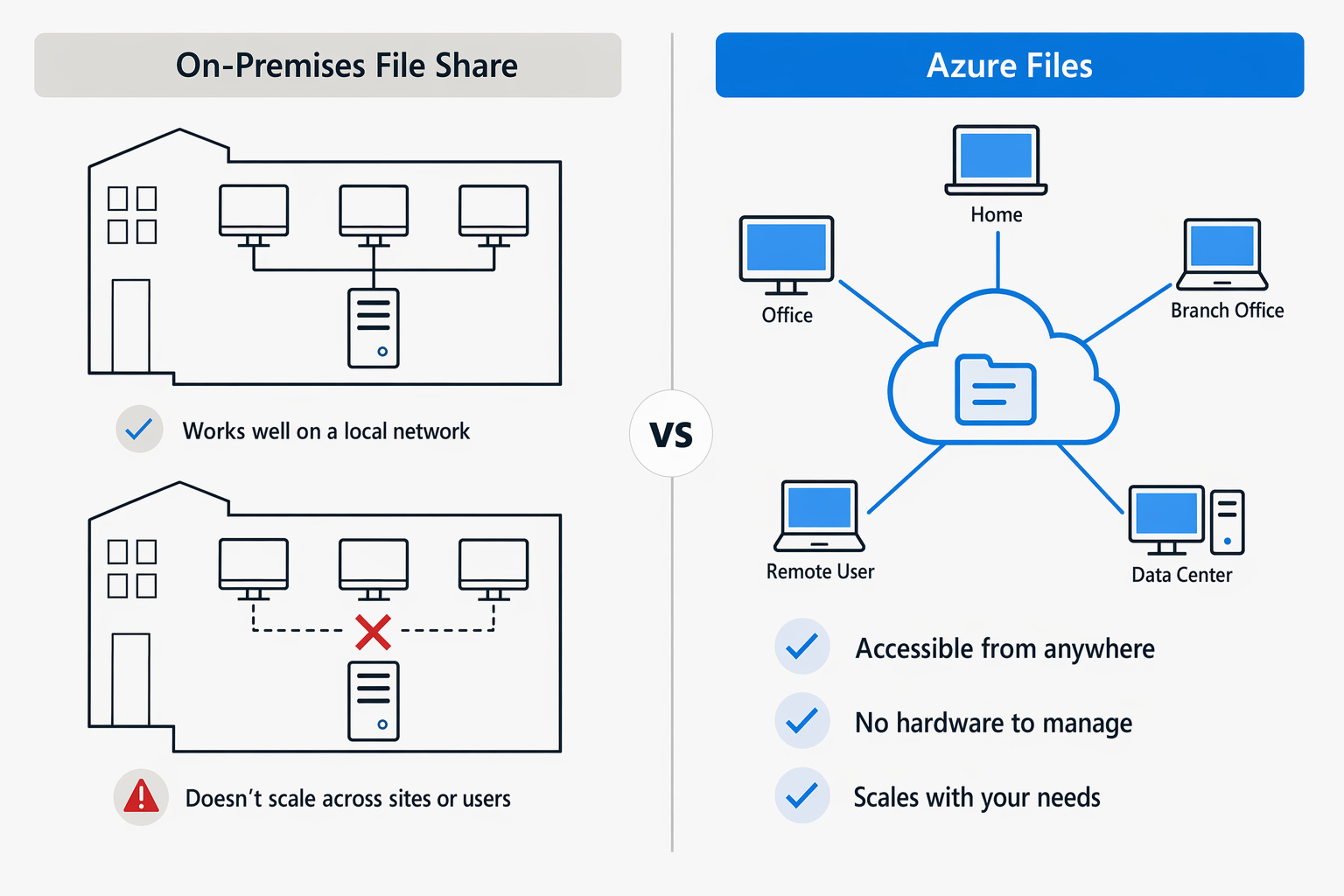
Companies usually set up network shares on local servers, reachable from the corporate network, so that users can share files. This solution is very useful, but it doesn’t scale well when users grow or when external users or devices outside the local network need access.
That’s exactly why Azure Files was introduced. We can see it as a cloud-based network share that makes documents and files available to many users. With it, a company can cut hardware and maintenance costs and benefit from the high availability and scalability the service offers.
An Azure file share is created from the storage account, giving you up to 256 TB of space on the SSD-based tier and 5 PB on the HDD-based tier.
You can manage this storage in several ways, for example:
- Azure Portal
- AzCopy
- Azure File Sync, to synchronise local files with Azure.
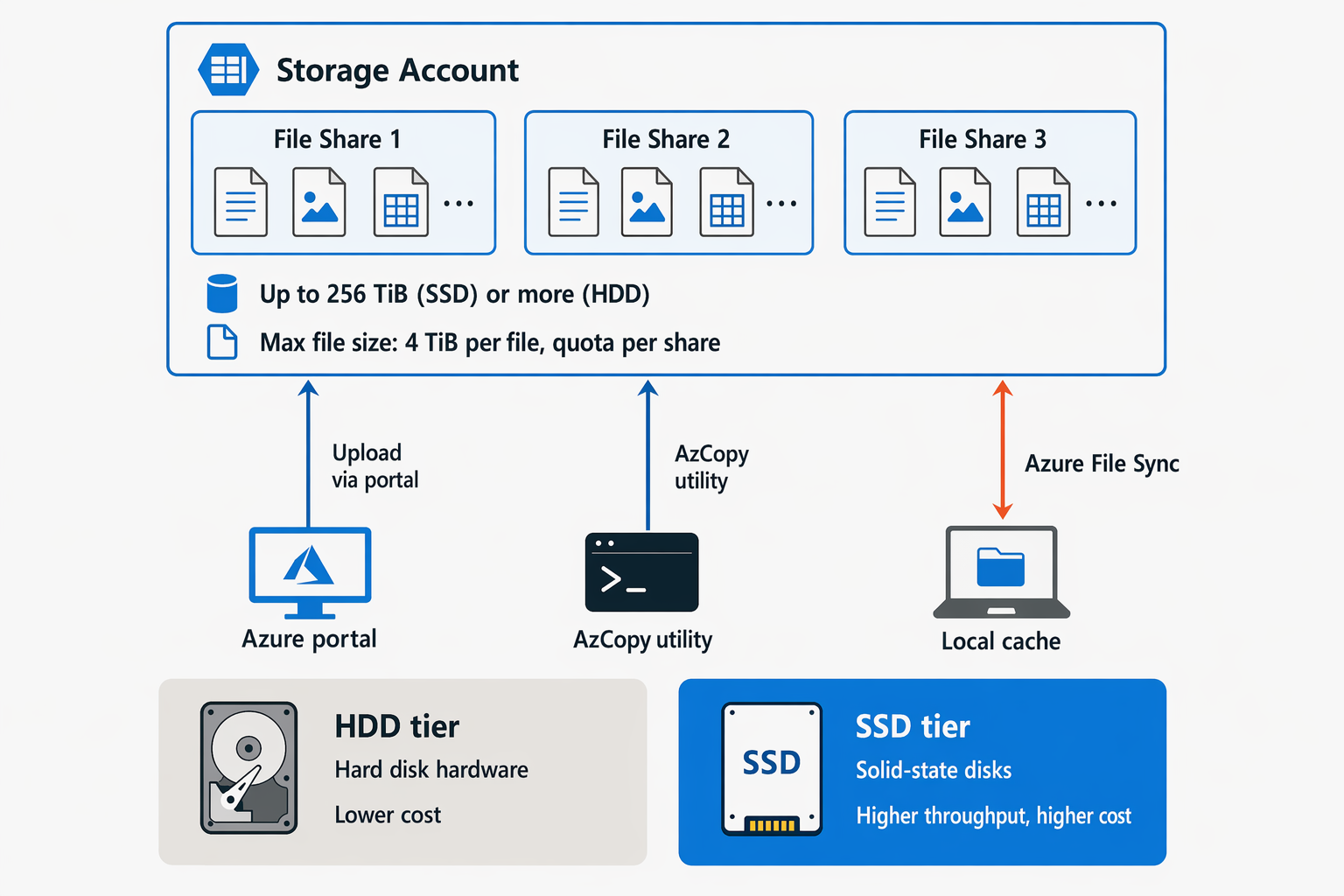
As mentioned, there are two tiers. HDD uses hard disks in Azure datacenters to store data: it’s less performant but cheaper. SSD-based uses Solid State Disks, with higher throughput but also a higher cost.
Finally, Azure Files supports two protocols:
- Server Message Block (SMB)
- Network File System (NFS)